Keep item details together
Maintain a consistent reference for the items, units and identifiers your team uses.

Get a clearer, more current view of the items your business depends on. Bring stock levels, movement and replenishment into a process your team can rely on.
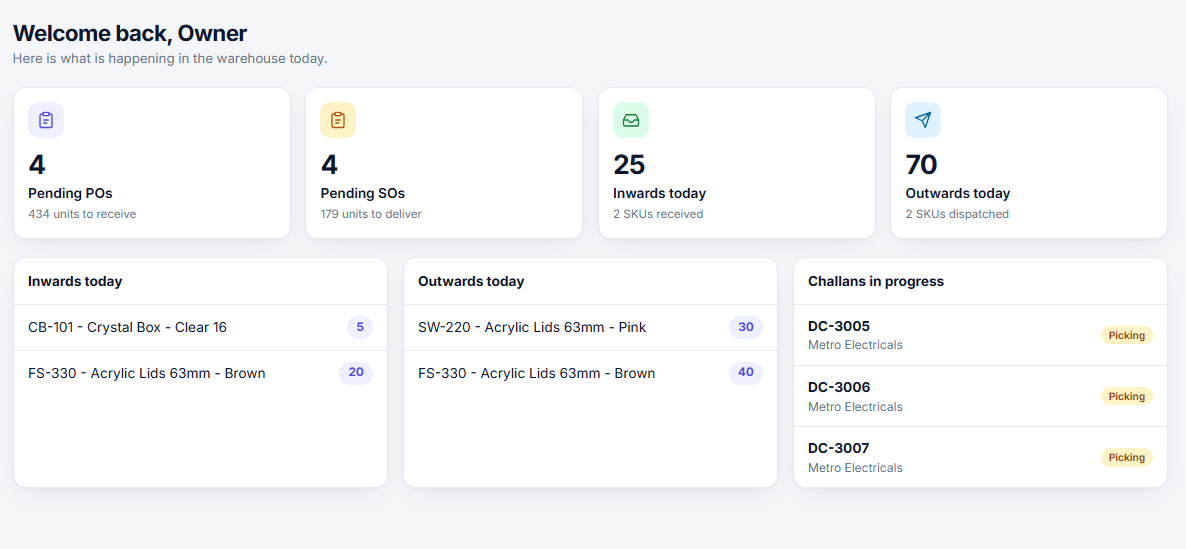
Teams can lose time checking shelves, searching old purchase records or confirming availability across locations. Overstock and stockouts both tie up attention and working capital.
A shared inventory view helps people make more confident decisions about what is available and what needs to be replenished.
Without a dependable view of what is on hand, purchasing becomes guesswork and everyday work gets interrupted.
Review availability by item and location, and use reorder points to spot what deserves attention.
When movement is not recorded consistently, teams spend time recounting stock and checking with one another.
Track common changes to stock so the team can understand how an item arrived at its current count.
Maintain a consistent reference for the items, units and identifiers your team uses.
Review on-hand quantities across locations with a clearer view of current stock.
Keep receipts, issues, transfers and adjustments visible as inventory changes.
Use thresholds and stock status to help plan replenishment before a shortage interrupts work.
See inventory by warehouse, store room or other operating location.
Use stock summaries and movement history to support purchasing and operational reviews.